Your company's own AI assistant
Staff ask a question. The AI answers from your company's documents. Deals and payments reach you with an approve button. We build the assistant around the way you work.
Sound familiar?
As a company grows, the manager's time drains into the same few things.
-
Staff keep asking you the same things
Where is the price list? Where is the contract template? The answer is in the documents, but they still message you.
-
You chase reports and approvals
Did the payment arrive? Is the deal closed? To find out, you phone around or compile reports in the evening.
-
The way of working lives in people's heads
Who does what is written down nowhere. When someone leaves, nobody knows their job.
-
Agreed work gets forgotten
A task slips because nobody reminded anyone.
What the AI assistant does
These features run every day inside our own company. We choose together which ones you need.
-
Answers from your documents
Prices, contracts, instructions: staff ask, and the AI answers from those documents and names the one it used.
-
Everyone sees only their own
Documents are split by department. Each person sees only what is open to their team.
-
Messages with an approve button
A team member tells the assistant about a deal, a payment or finished work. You get a message with Approve and Reject buttons.
-
Reminders and messages
A reminder reaches the right person on time, once or every day. Staff also pass questions and messages to each other through the assistant.
-
A morning report
Every morning you get a short report: what happened, what is waiting, and where your word is needed.
-
Writes down how work gets done
The AI asks each person about their job and records the process. Then we choose together what to hand over to the AI.
From ad to profit
This is the path one enquiry takes through our systems. We choose together which steps you need.

-
Ad
A customer sees your ad on Instagram, Facebook or Telegram and messages you.
-
Lead
Every enquiry is recorded in one place together with where it came from.
-
CRM
In the CRM the enquiry becomes a customer card: who wrote, what they asked, and which stage the deal is at.
-
Reply
The AI assistant finds the answer in your company documents; where needed, a manager continues the conversation.
-
Order
The agreed order is entered in the CRM and you get an approval message with buttons.
-
Payment
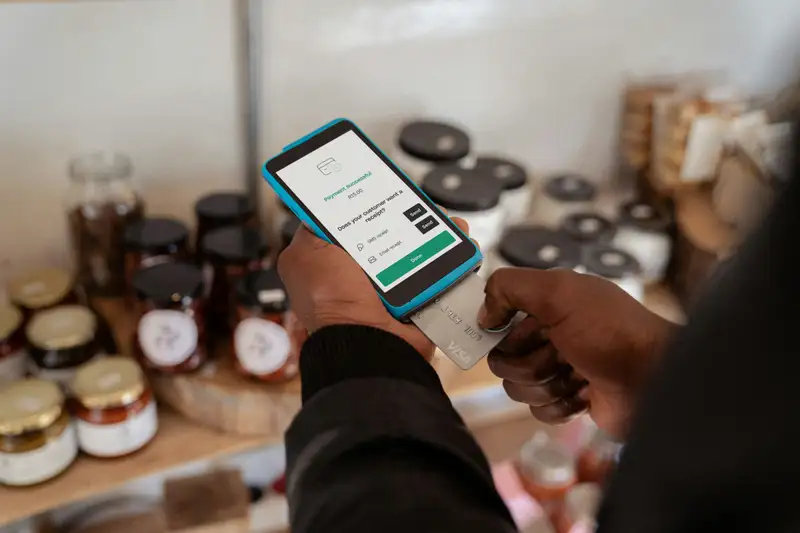
A staff member reports that payment arrived and you confirm it.
-
Profit
The report shows ad spend and revenue side by side, and you decide where to put the money.
How we build it
We work step by step. We agree scope and timing in writing after the first conversation.
-
First conversation
You tell us which tasks eat the most time. We show you how our own AI assistant works.
-
Mapping how you work
The assistant interviews your staff about their jobs. Together we pick what to give the AI first.
-
Documents and access
We load your documents and set up departments and who can see what.
-
Launch
The assistant starts working with your team in the messenger they already use. The manager gets a separate bot.
-
Watch and improve
For the first weeks we review the questions, improve the answers and add the next processes.
What you get
- Your company's own AI assistant
- A knowledge base built from your documents, with access by department
- Approval messages for deals, payments and other work
- Reminders and a daily report for the manager
- Your team's way of working, written down
The exact scope depends on what we agree and is set out in a written proposal.
Questions about the AI agent
Where is our data kept?
We set the assistant up separately for your company, so your documents never mix with anyone else's. We agree which server it runs on before work starts.
Which files does it read?
PDF, Word, Excel, PowerPoint and text files. A team member with access sends a file to the assistant, and it adds the file to the knowledge base.
Can staff see another department's data?
No. Each person sees only the documents opened to their department. You decide who gets access to what.
Where do staff use it?
In the messengers and tools your team already uses, for example Telegram. Nobody has to install or learn a new app.
Is this the same as Jarvis AI Sales?
No. Jarvis AI Sales analyses your sales calls. The AI agent is an assistant for the internal work of the whole company.
How much does it cost and how long does it take?
Price and timing depend on the number of processes and the systems we connect. The first conversation is free, then we send a written proposal.
We will show you how it works for you
Message us and tell us which task takes the most time. We will show you our own AI assistant and suggest a first step. You are under no obligation to continue.
Message us